Saving Time:
Expanding an Organizational App to save busy families time.
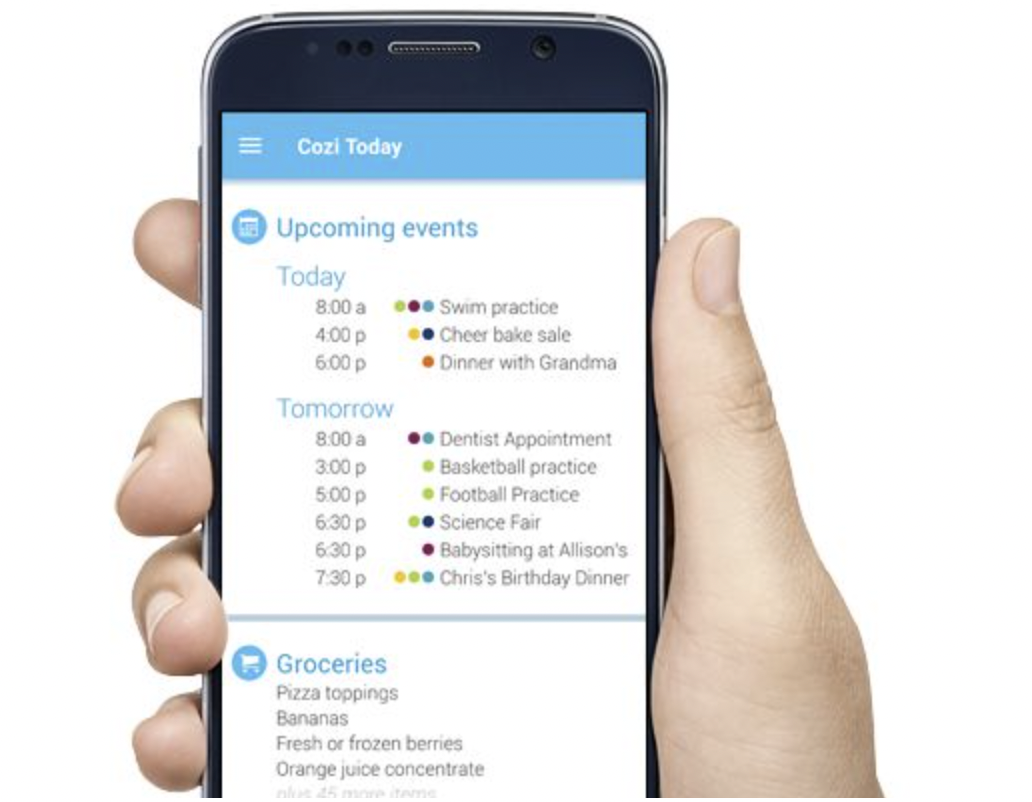
Overview
Challenge: Find a way to ease demands on individuals and families by adding time saving services to an existing organizational app so it becomes more practical and desirable.
Outcome: Expanded feature set, transforming the app into a practical time saving hub that better meets everyday family needs and increases user desirability.
Impact: Users can rely on the app for seamless task coordination. New features reduce time spent on meal planning, grocery shopping, and delegation, giving families more free time and improving perceived usefulness.
My Role: UX Designer for the student project: research, synthesis, ideation, interaction design, prototyping, and MVP prioritization. Responsible for brand-aligned experience decisions.
Discovery: Learning where time is spent.
Research goals: understand users’ work/life habits, pain points around home/family management, and tools they currently use (calendars, lists, grocery apps, family chats).
Methods: user interviews, contextual questions, competitive analysis.
Key Insights: recurring friction around meal planning, grocery lists, and chore coordination, as well as a desire for delegation and visible progress.
“I feel like my work is never done.”
Sara
“As a mom/wife, I want to save time doing chores so that I can spend it with family and friends, or maybe just have some time to myself.”
Julie
“I feel like I’m organized but I still spend more time than I want to taking care of everything-mainly running errands. Everything takes longer than you think.”
Melissa
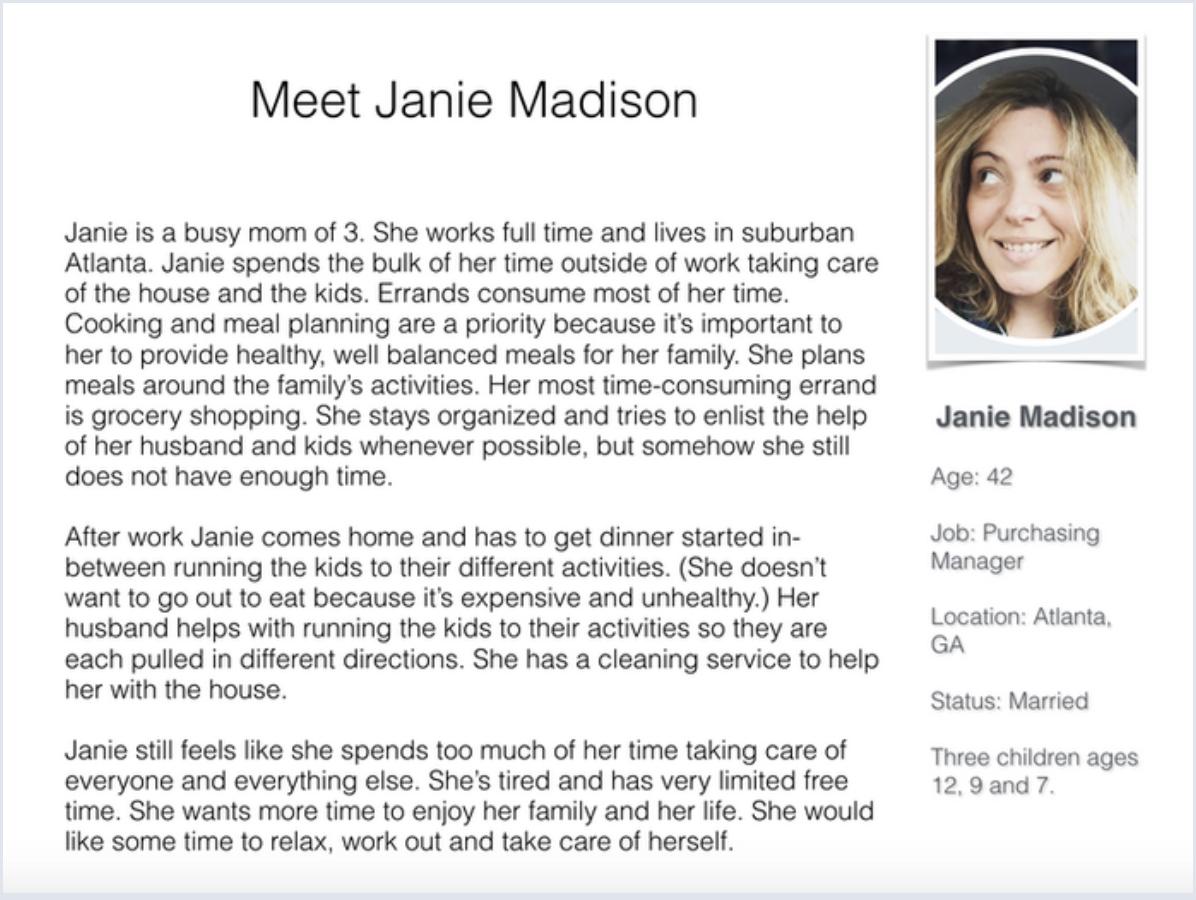
Personas
I created a persona to represent target users’ goals, frustrations, and constraints. These guided prioritization and design decisions.
Ideation
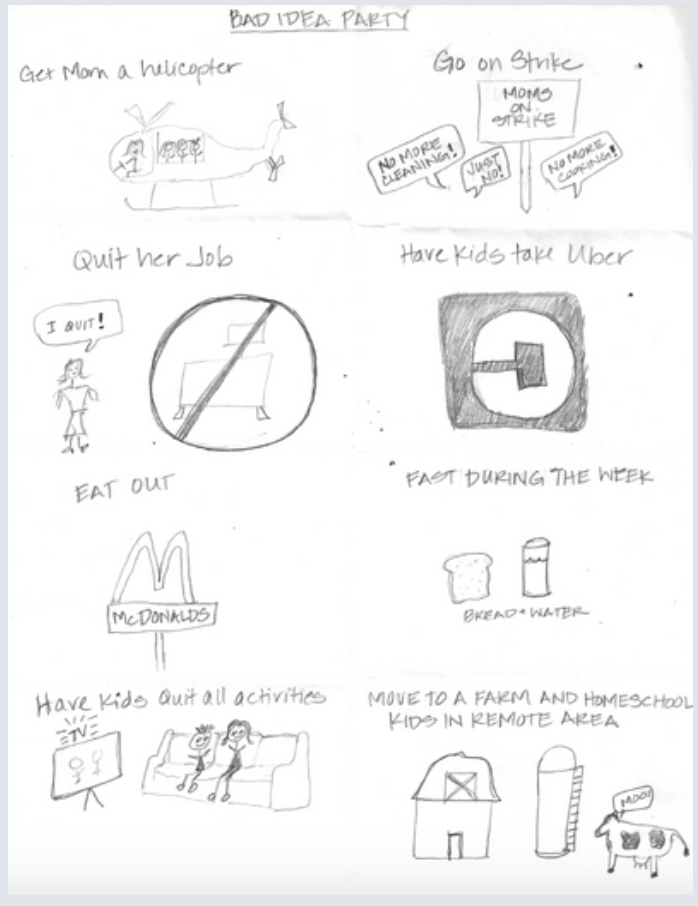
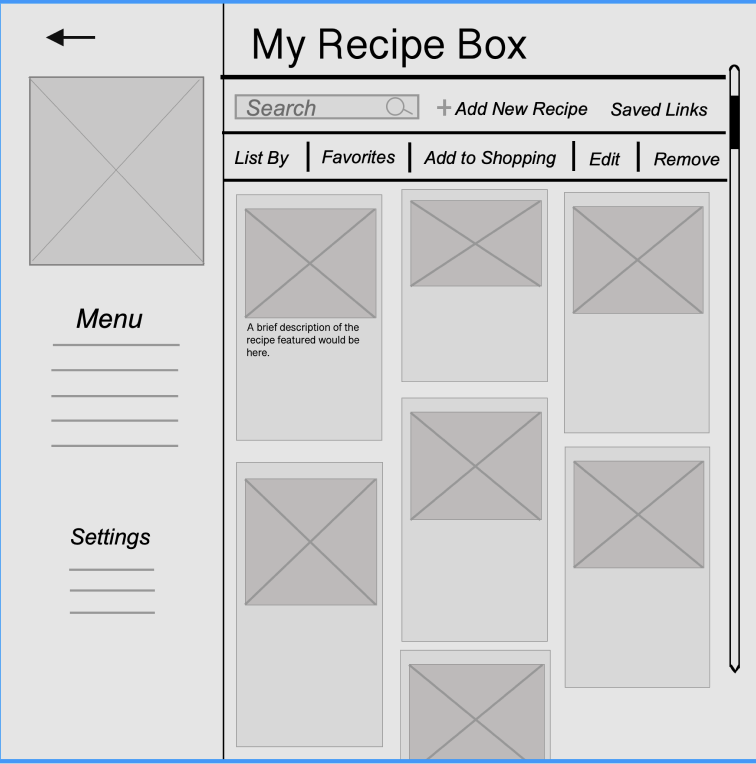
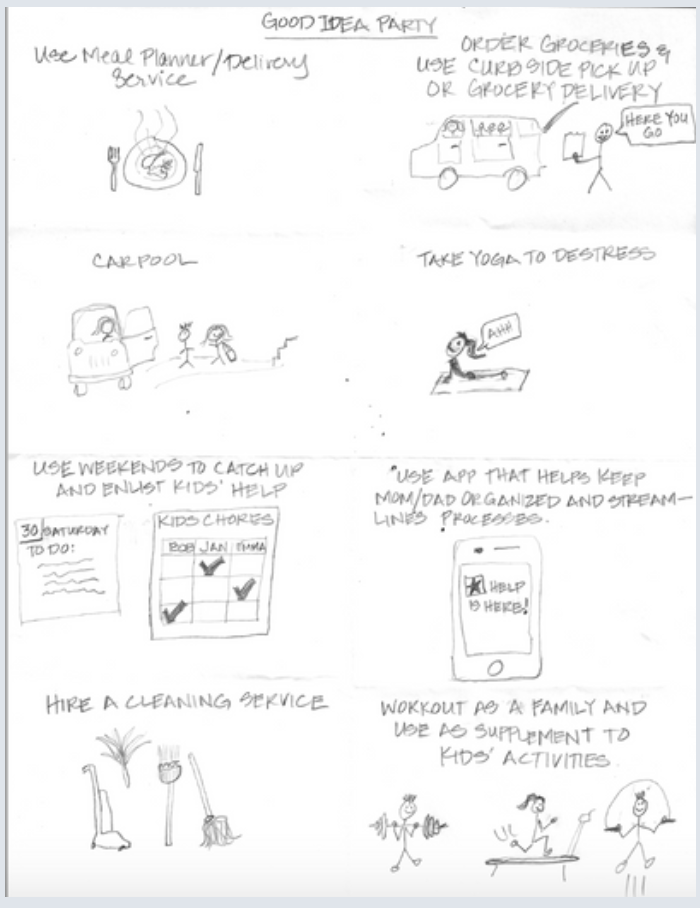
“How Might We” workshop generated a broad set of concepts focused on reducing chore time and cognitive load. I came up with 6 “bad” ideas and 6 “good” ideas to expand creative thinking and surface non‑obvious approaches .
Focus area chosen: reduce time spent on meal planning and shopping.
Storyboarding
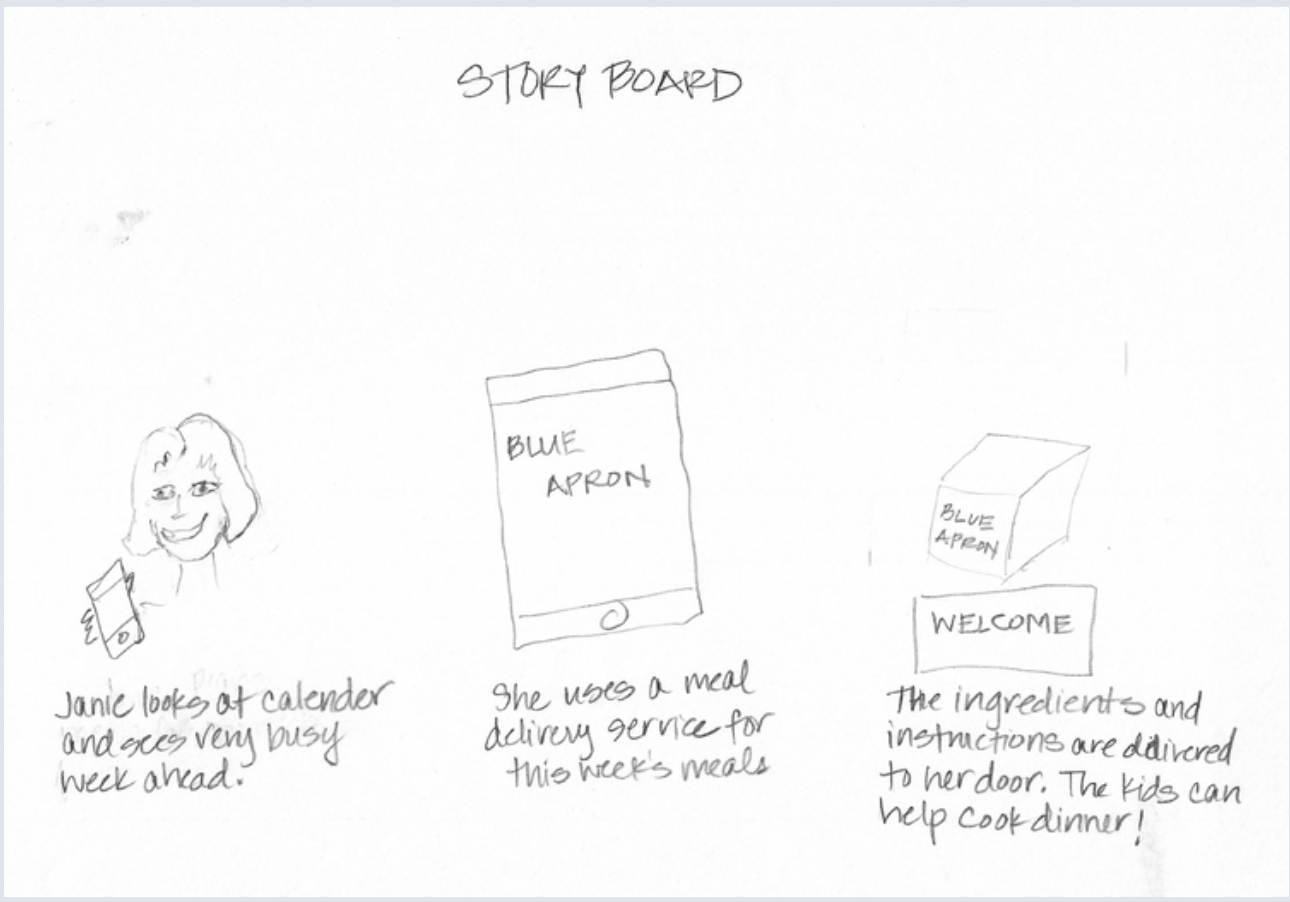
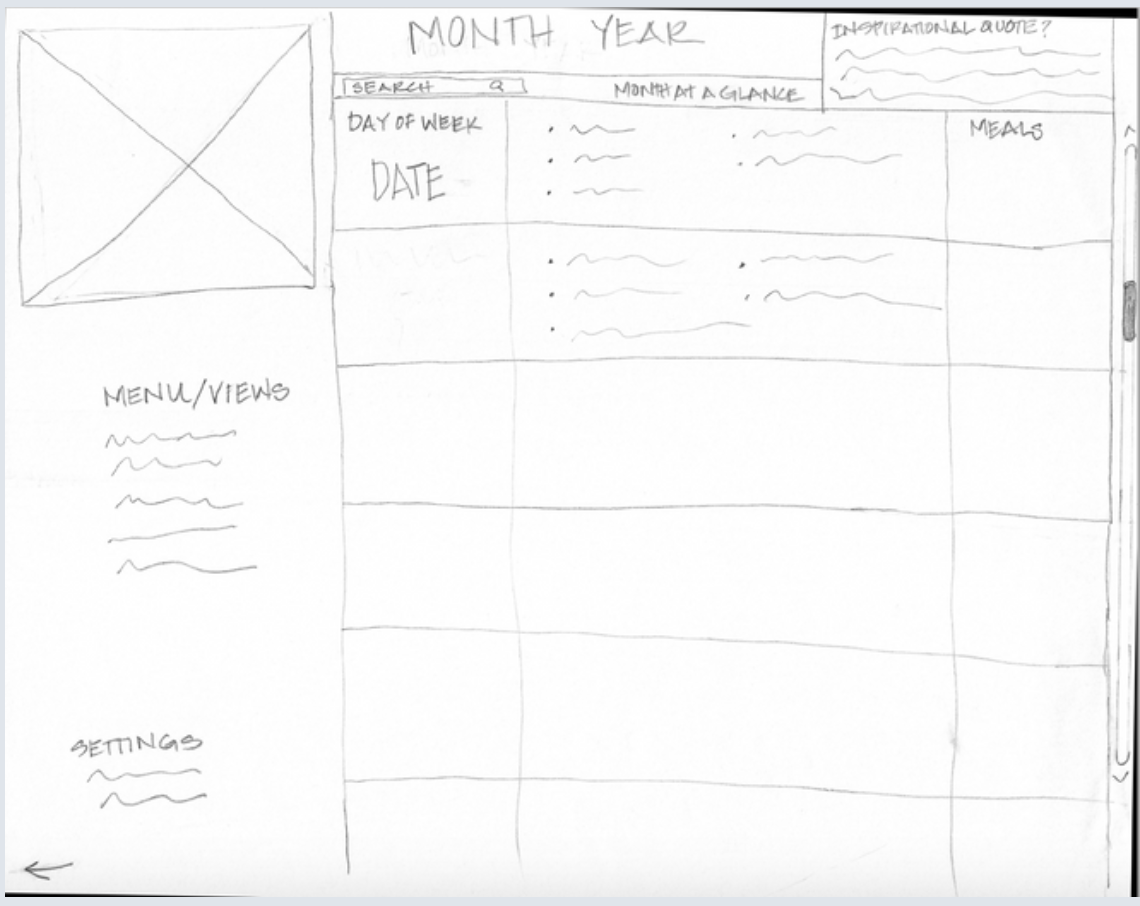
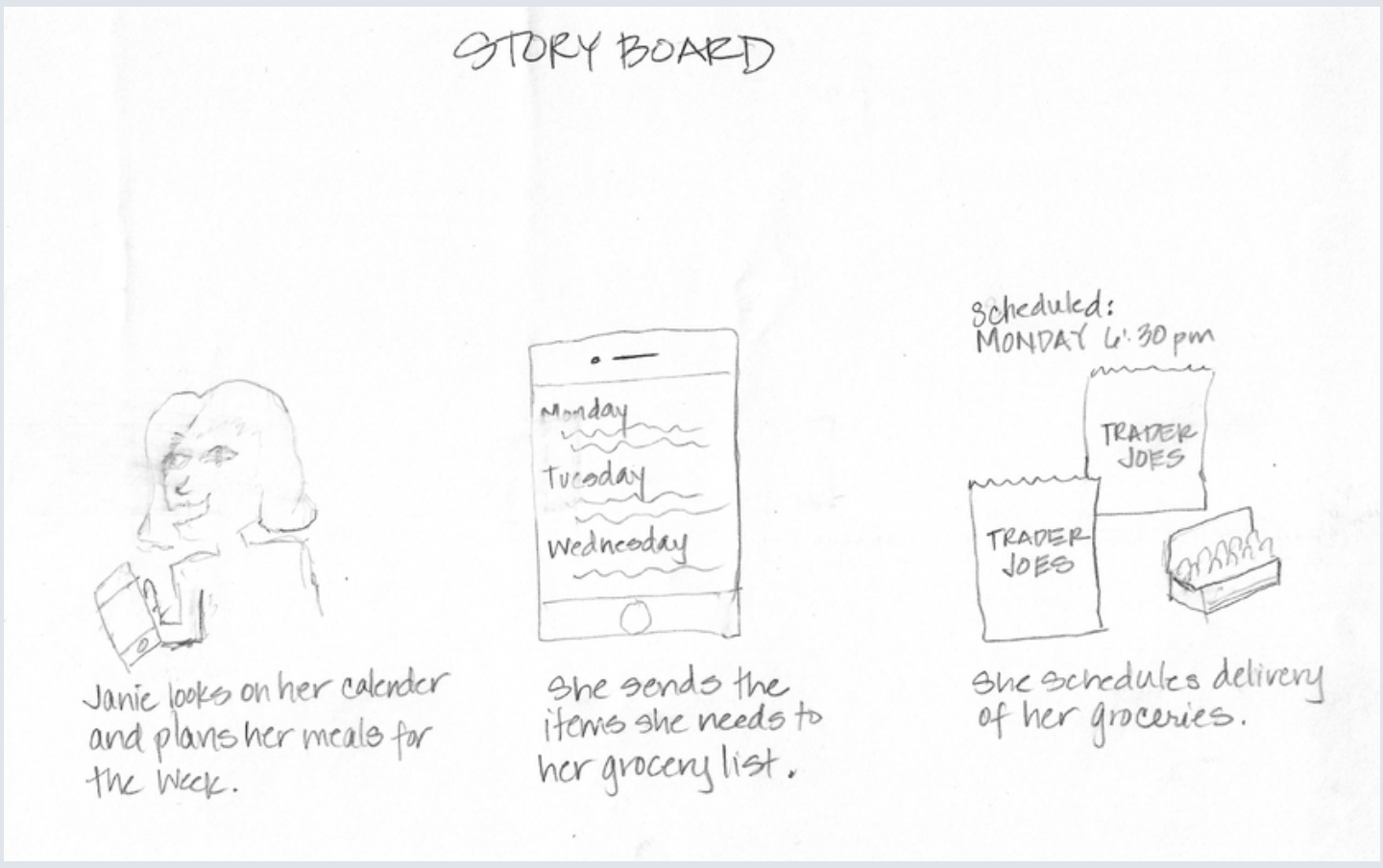
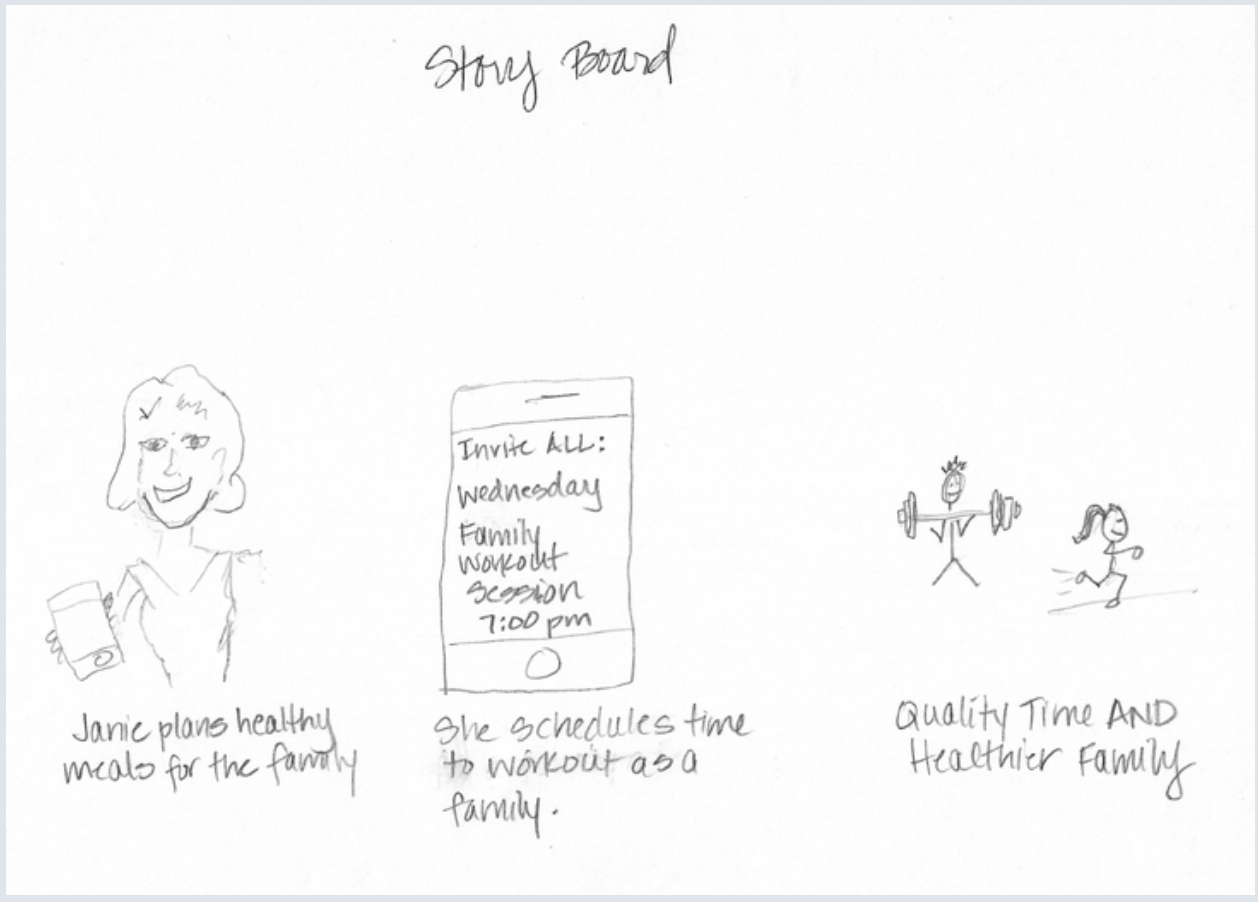
Storyboards illustrated real‑world scenarios (e.g., “Janie” completing chores faster to free family time) and helped visualize end‑to‑end moments for selected features.
Defining solutions & prioritization
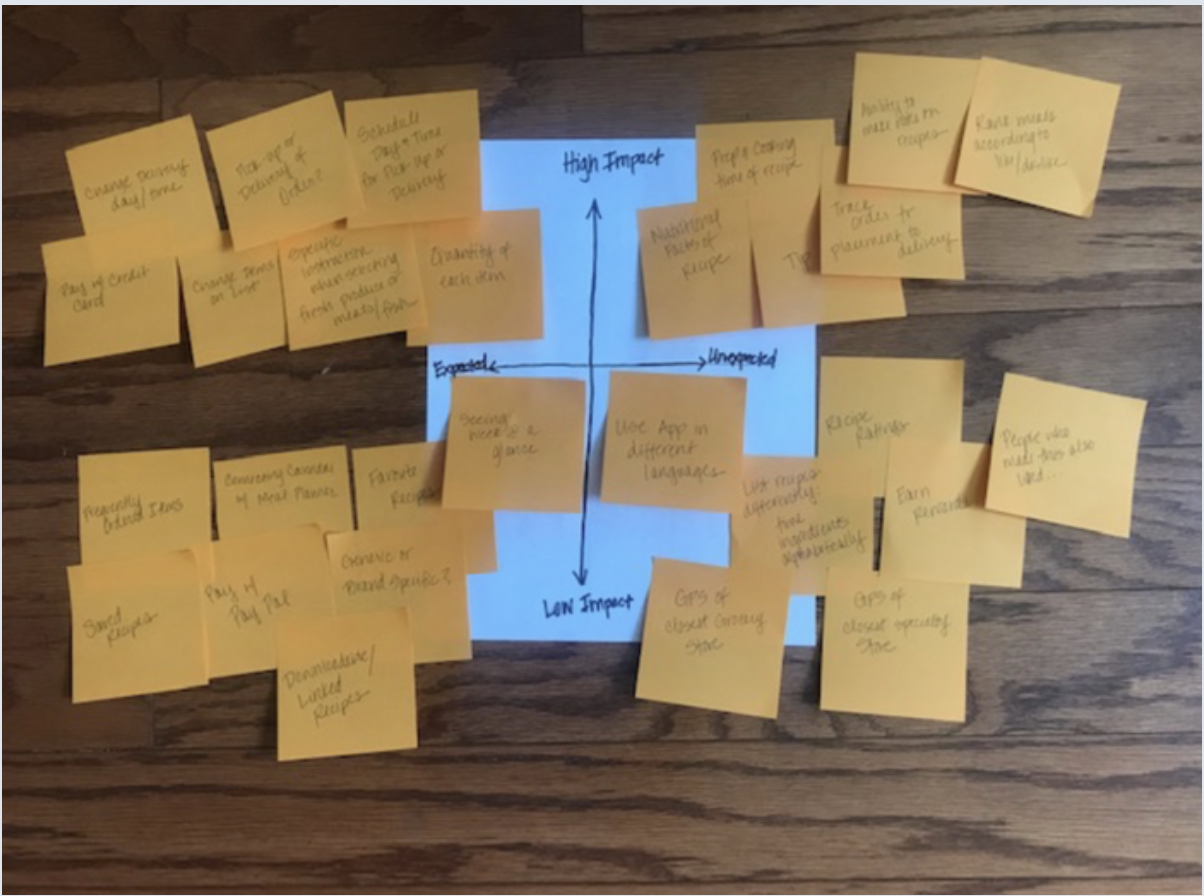
Competitive analysis + 2x2 impact/effort matrix identified high-impact, feasible features for an MVP.
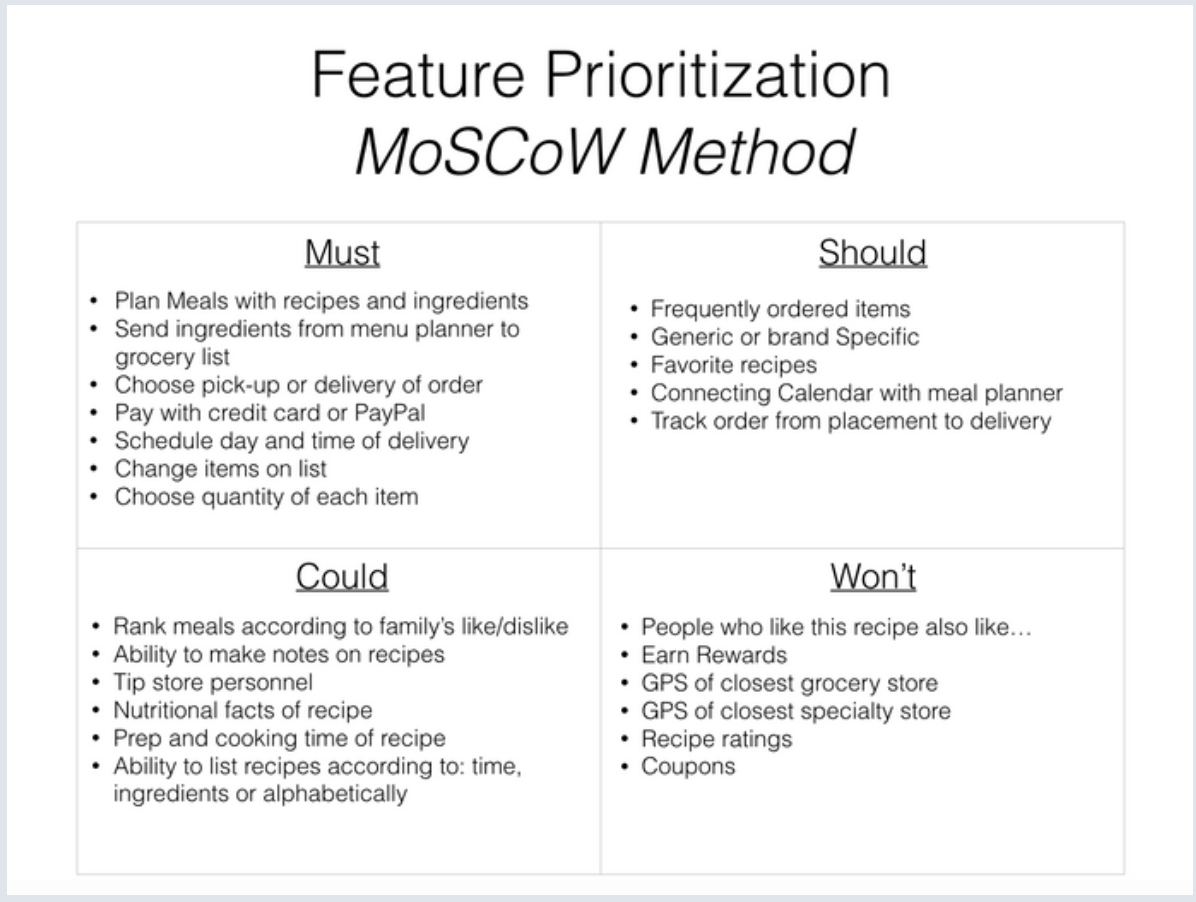
MoSCoW method used to set priorities across features and scope the first release (insert 2x2 and MoSCoW posters).
Proposed feature set (MVP focus)
- Task Bundles: role‑based, reusable checklists for recurring chores (e.g., weekly cleaning, weekend prep).
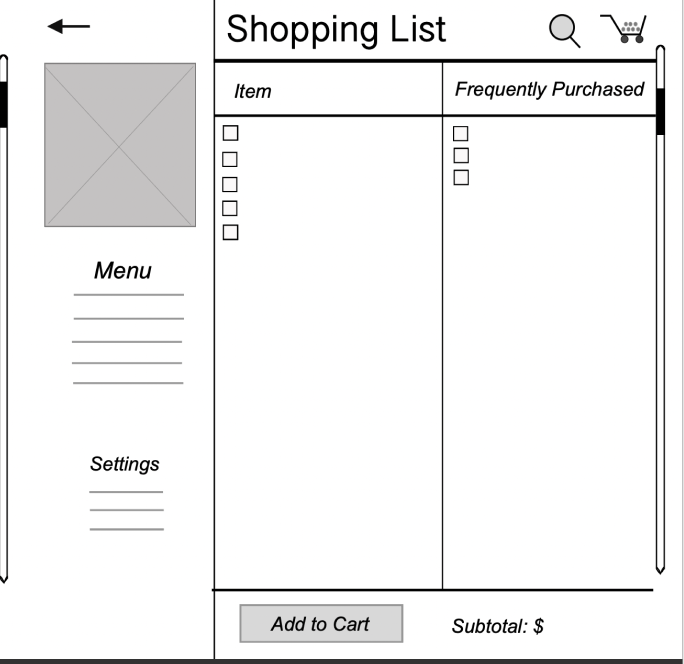
- Meal Planner + Add-to-Shopping: weekly menu planner with one‑tap “Add to Shopping List.”
- Shopping Cart Indicator: persistent item count and simple cart flow for clarity while shopping.
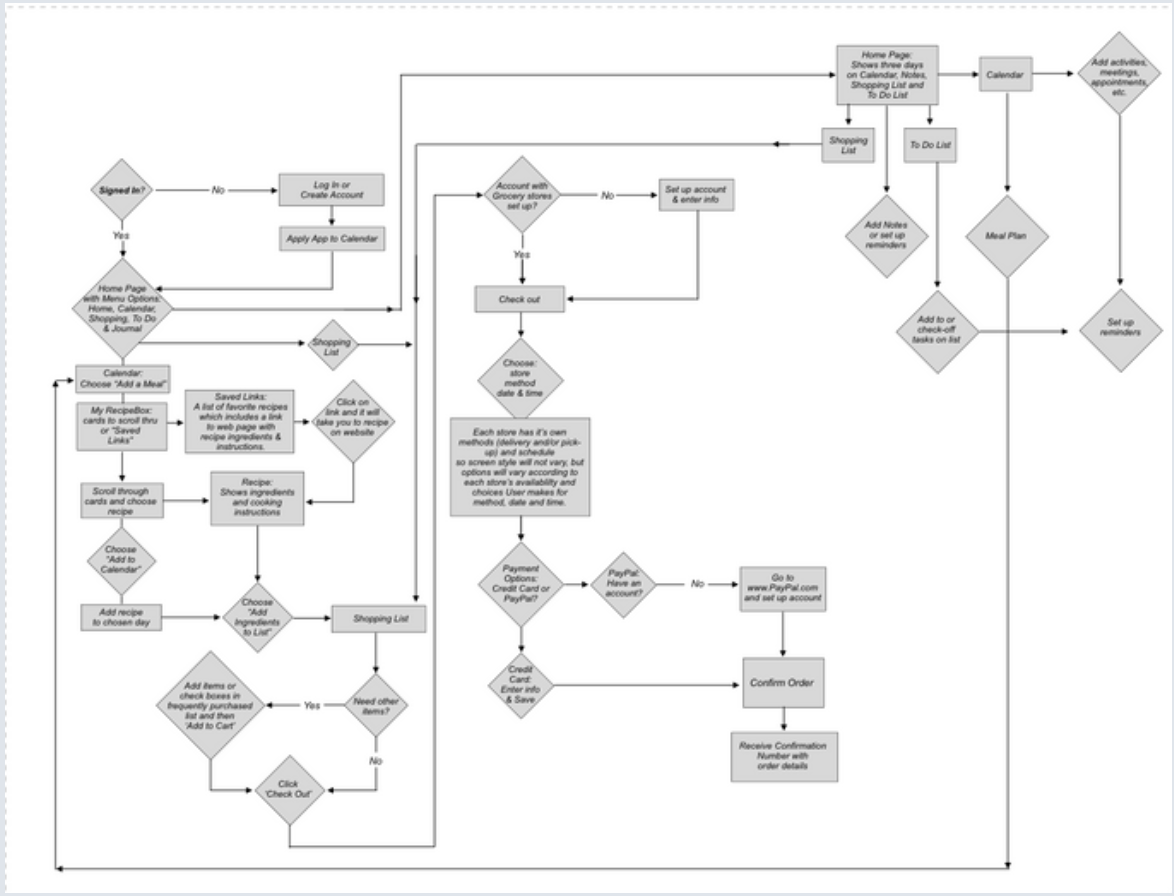
User flows & interactions
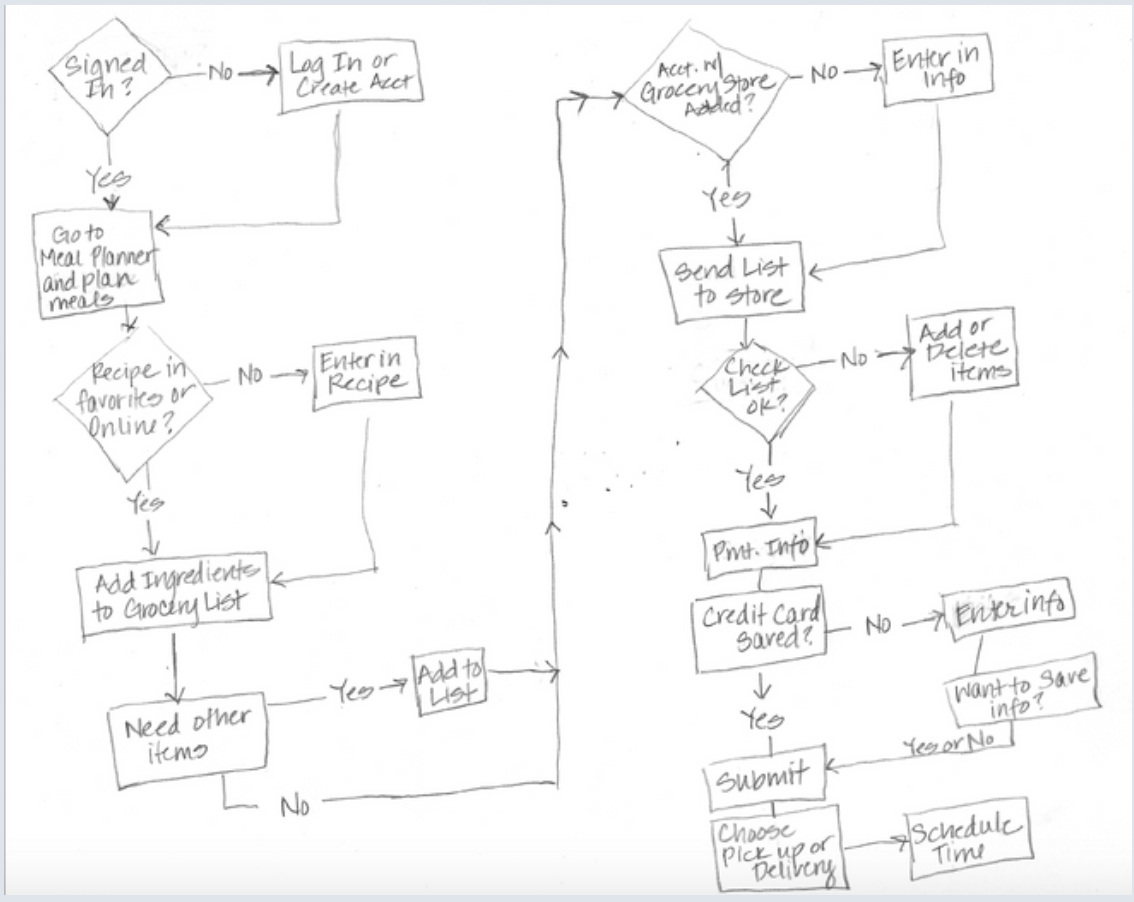
- Mapped happy path and contingencies from discovery to completion. Example flow: create weekly menu → auto‑generate shopping list → assign tasks → track completion.
Prototyping & validation
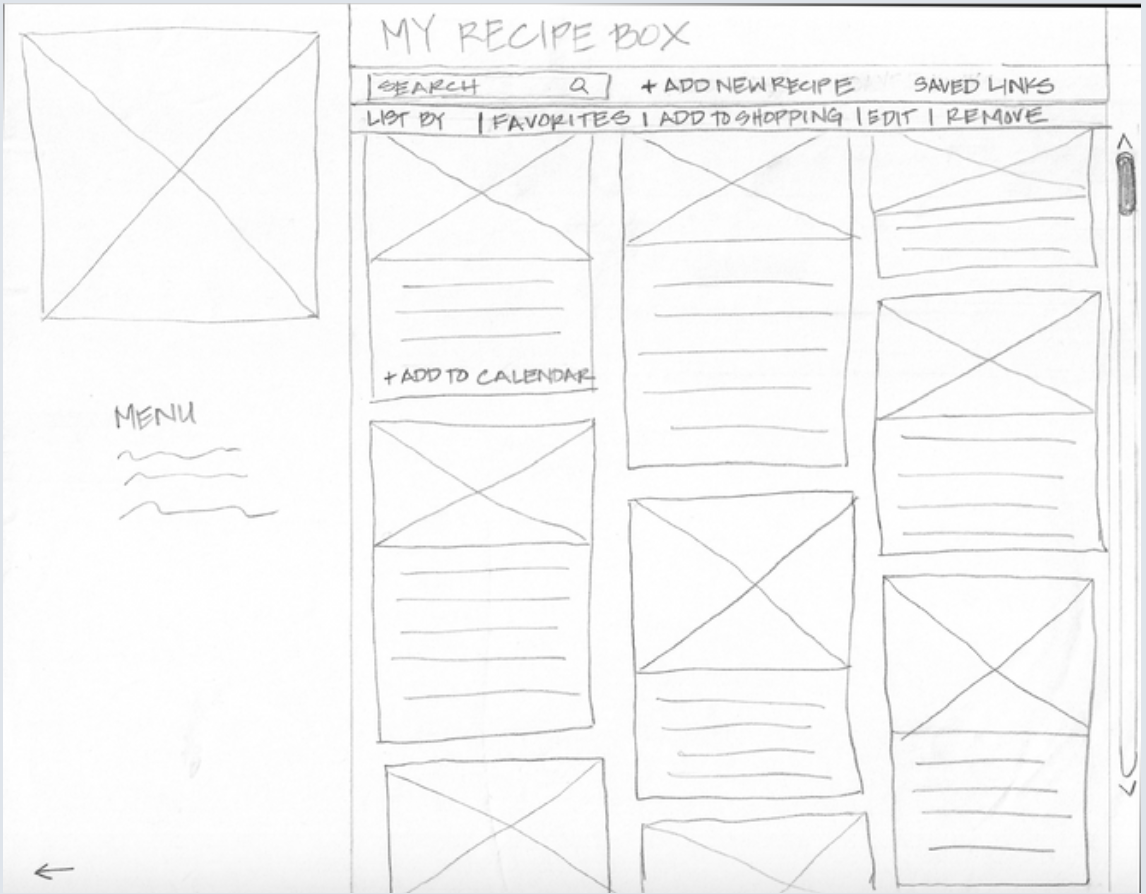
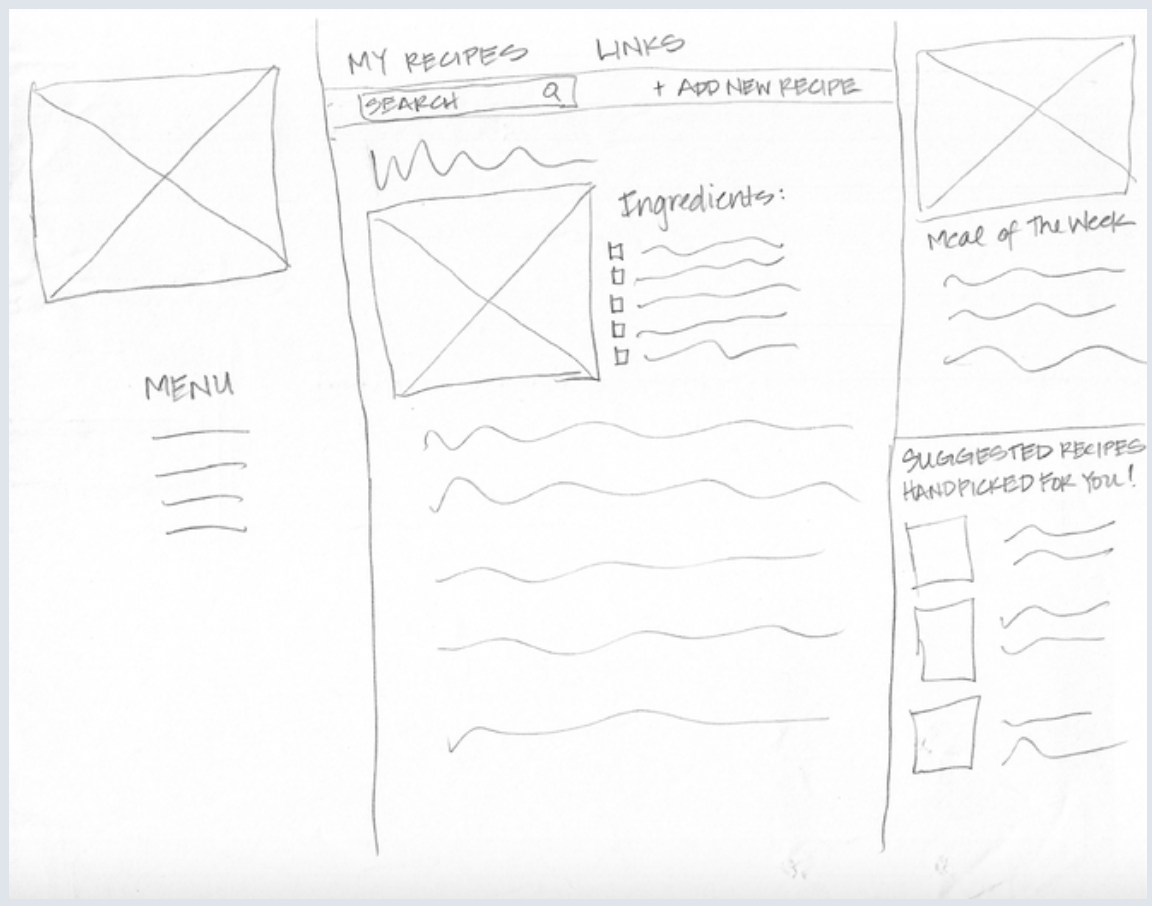
- Paper prototypes revealed usability gaps: unclear targets for adding items to the shopping list and no cart indicator.
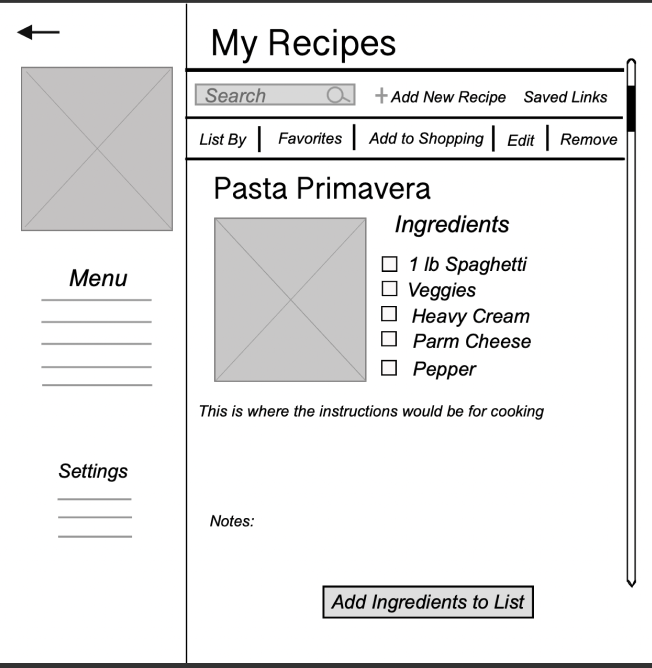
- Iterated to add an “Add to Shopping List” affordance and a persistent cart count; validated changes with low‑fidelity testing.
- Built interactive prototype to test meal plan creation, delegation, and shopping flow; incorporated user feedback into final UI patterns.
Design alignment & brand
- Translated interaction patterns into reusable components consistent with a simple design language to support scalability.